Orbiting the Camera
Next: Zooming In and Out
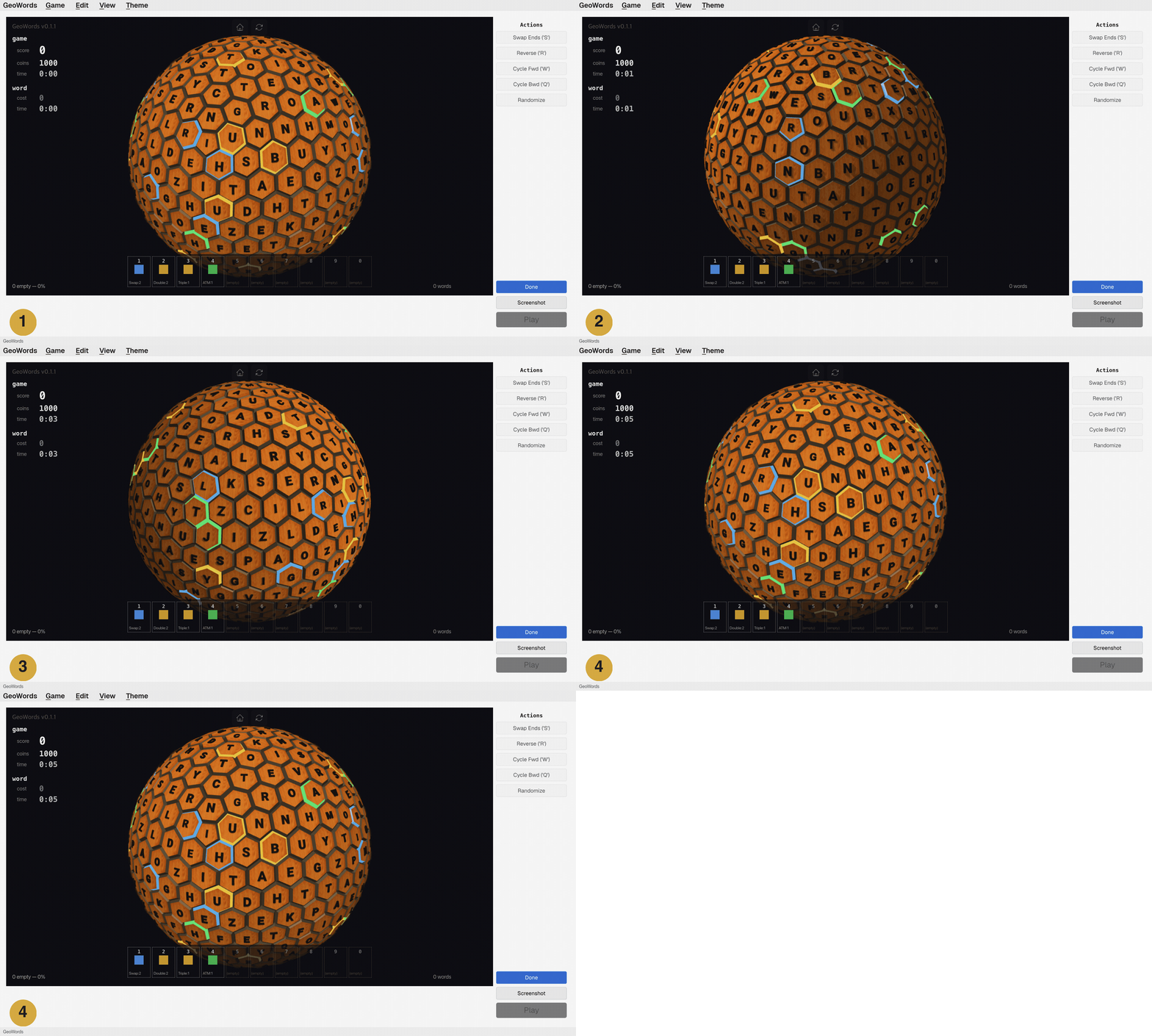
- The hexasphere seen from the default camera position.
- Option+drag (Alt+drag) to orbit the camera around the hexasphere.
- Drag in any direction to see different faces of the hexasphere.
- The camera returns to the home position.
Tip: You don't need to hold Option (Alt) to orbit the camera. Clicking and dragging anywhere outside the hexasphere also orbits freely — no modifier key required. Option+drag is useful when your cursor is already over the hexasphere and you want to orbit without accidentally selecting tiles.