Zooming In and Out
Prerequisite: Orbiting the Camera
Next: Resetting the Camera
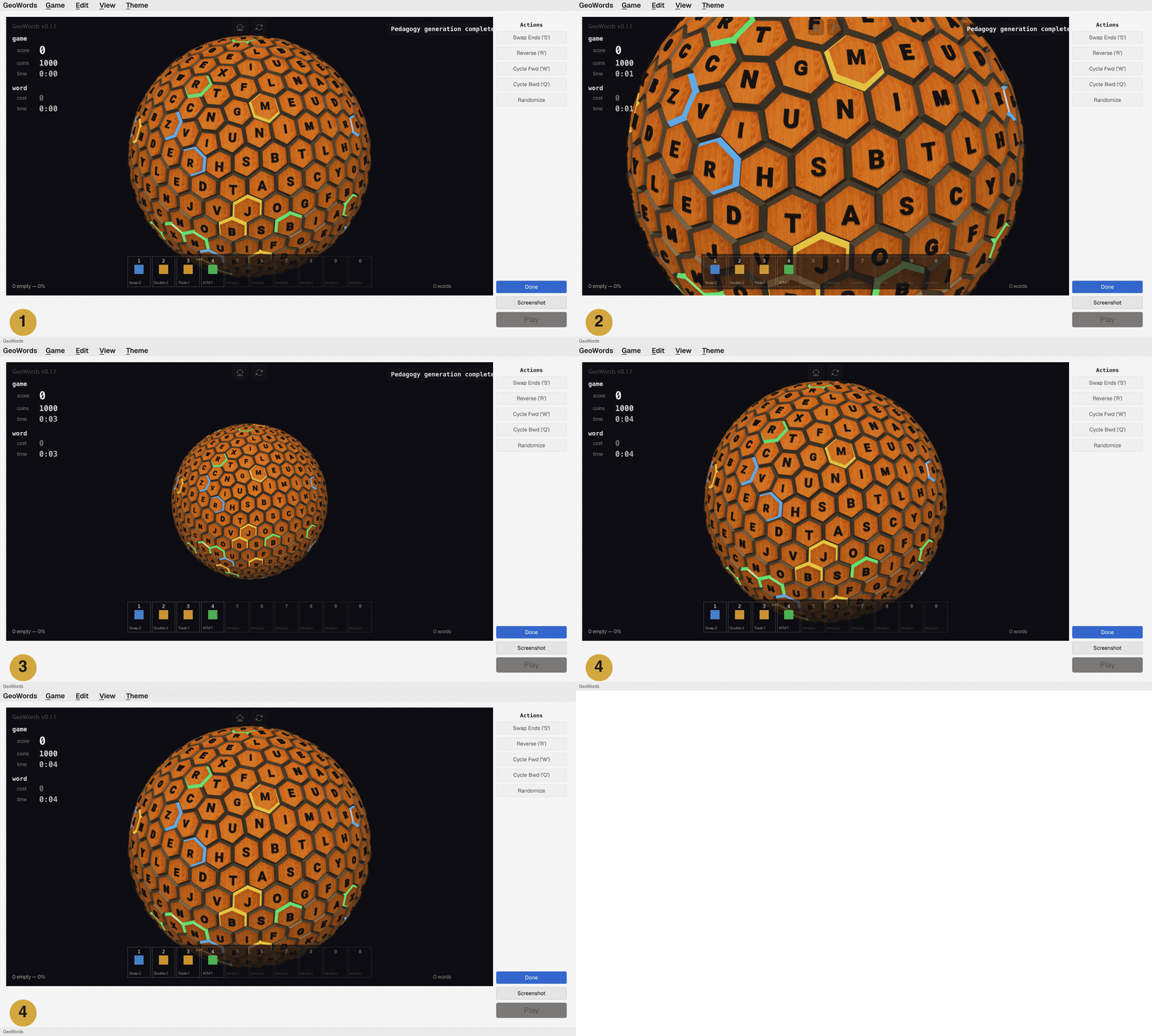
- The hexasphere at normal zoom level.
- Scroll up (or pinch outward on a trackpad) to zoom in for a closer look.
- Scroll down (or pinch inward) to zoom out for a wider view.
- The Home button restores the default zoom level.